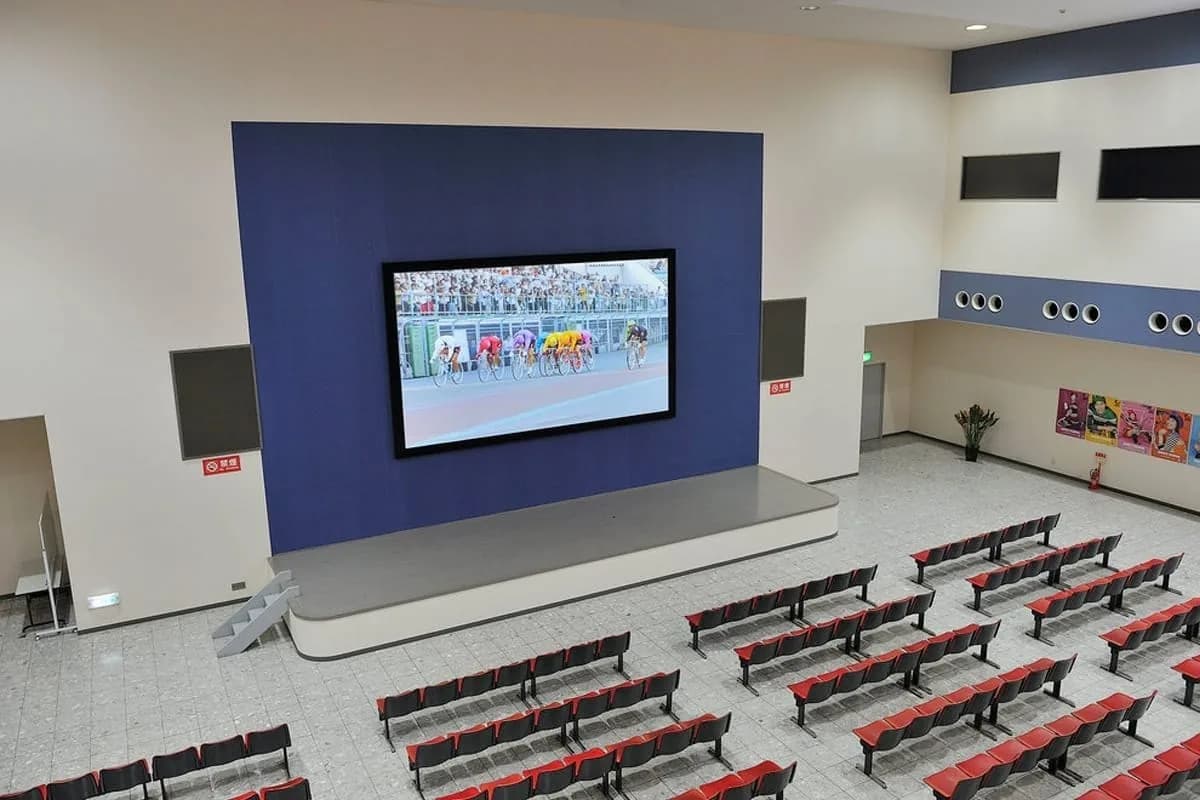
Great content on the right screen looks sharp. The same content made at the wrong size looks stretched, blurry or cropped. A little planning avoids that.
Start from the screen's resolution
An LED wall has a fixed number of pixels. Multiply its width and height in metres by the pixels per metre of the chosen pitch and you get the resolution to design for. Our configurator shows this number for the size you pick. Make your artwork at that size or the same shape.
Match the shape
Many LED walls are not 16:9. If your wall is wider or taller, a standard video will show black bars or be cropped. Have the content made at the wall's exact shape, or plan where the bars will go.
Design for distance
Use large, bold type and high contrast. Thin letters and small text disappear at a distance. Keep key words away from the edges, and test the content on the real screen before the event.
Formats and playback
Videos and images from a laptop or a media player are the common choices. Tell us your setup and we will advise on the controller, so playing from a USB drive, a laptop or a live feed works smoothly.
Ready to plan your screen?